
For small businesses, entrepreneurs, and creators who have considered launching a website but felt intimidated by the setup process, this new feature removes many of the traditional barriers.
Instead of purchasing hosting, registering a domain, and installing software, you can now run a fully functional WordPress environment directly inside your web browser.
Let’s take a closer look at what this means and why it could be useful.
What Is My.WordPress?
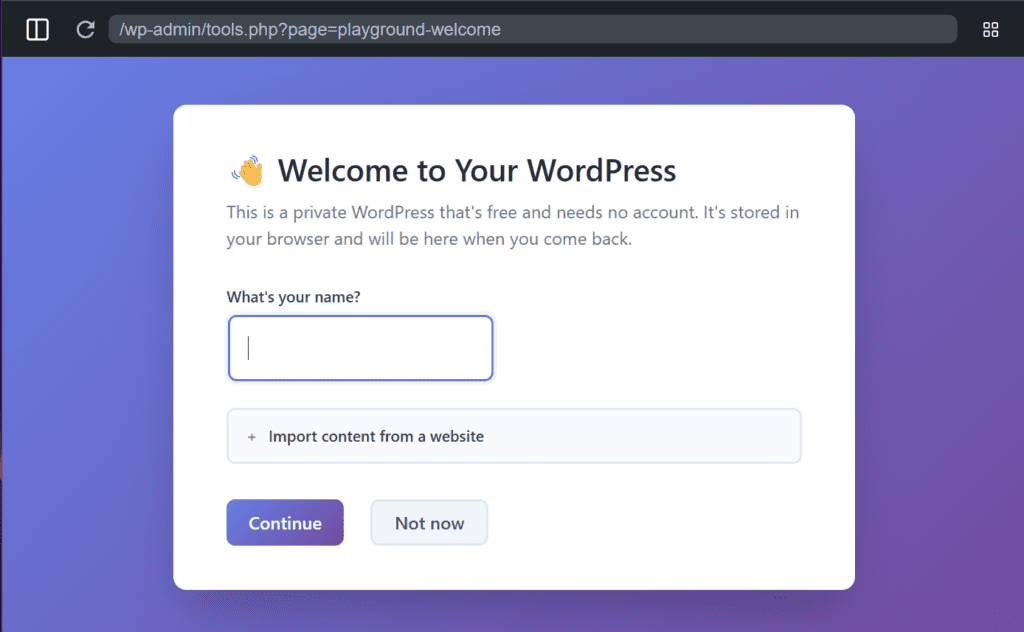
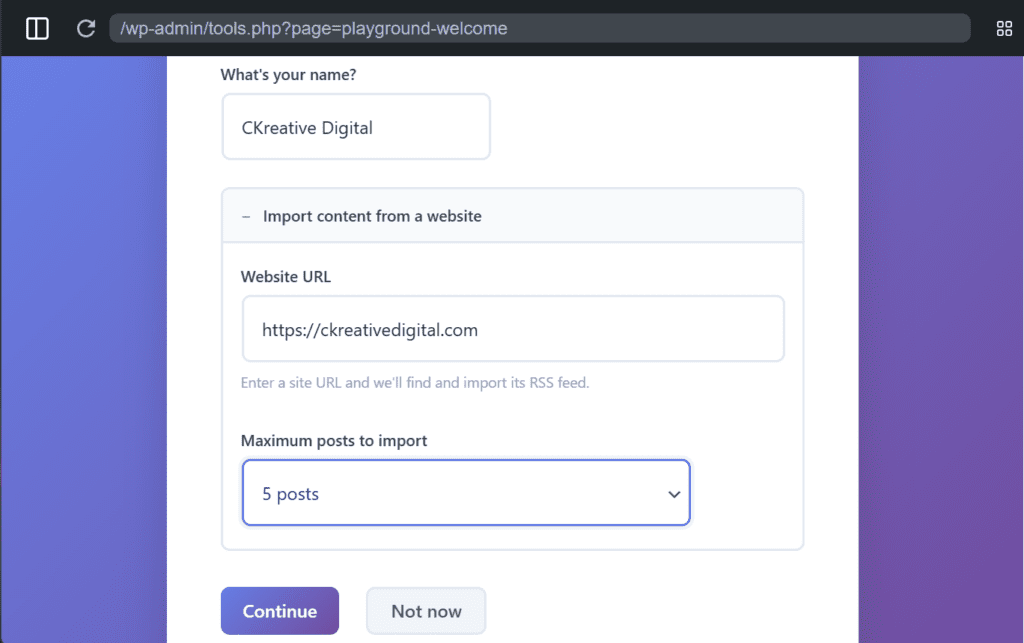
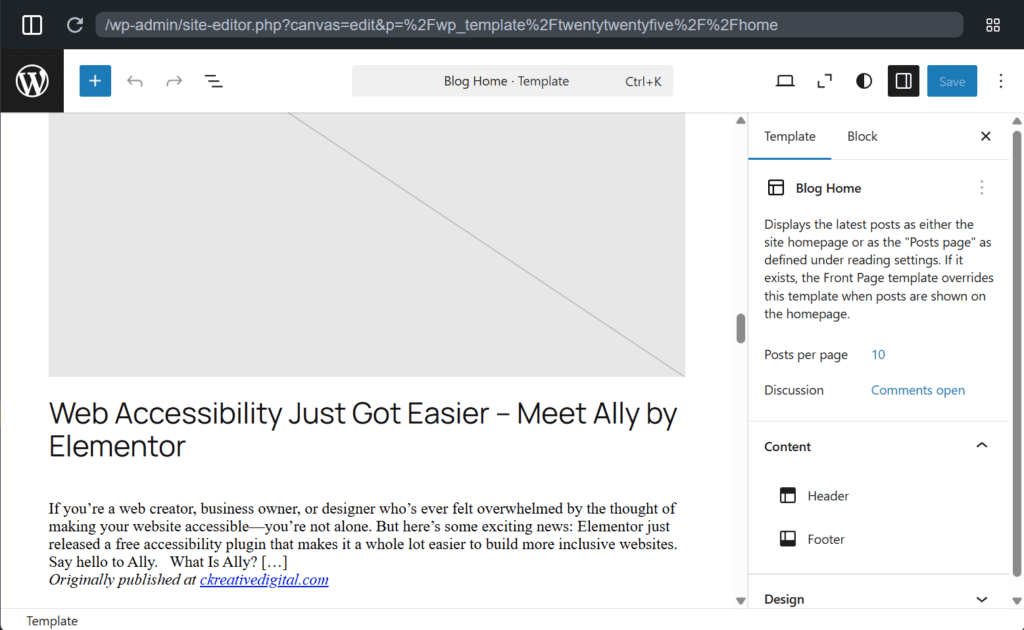
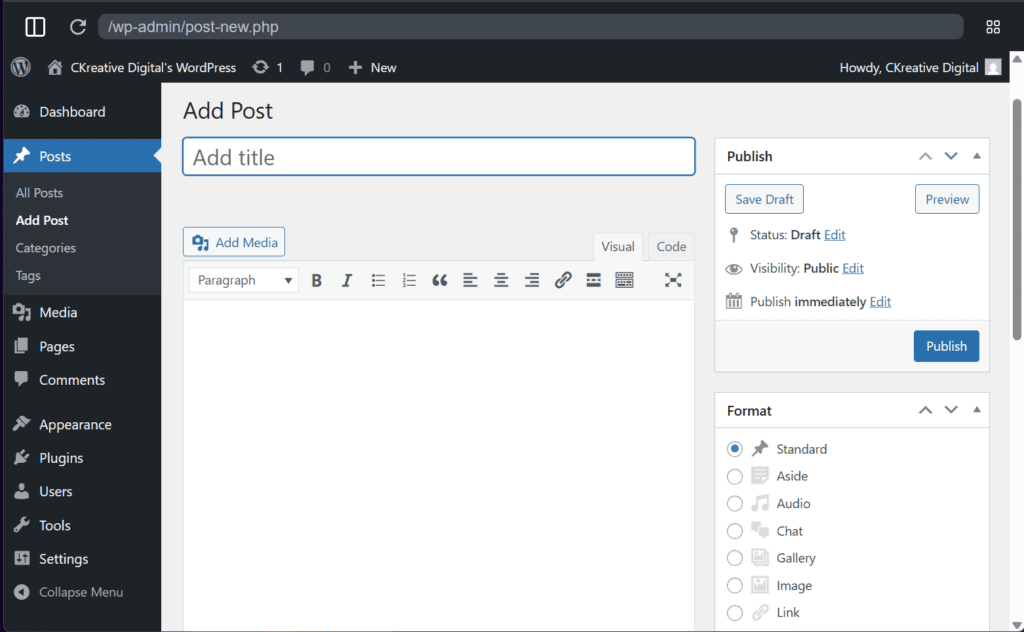
The new my.WordPress.net environment allows the world’s most popular CMS to run entirely within your browser.
That means you can start working with a real WordPress site almost instantly.
No hosting setup.
No domain registration.
No installation process.
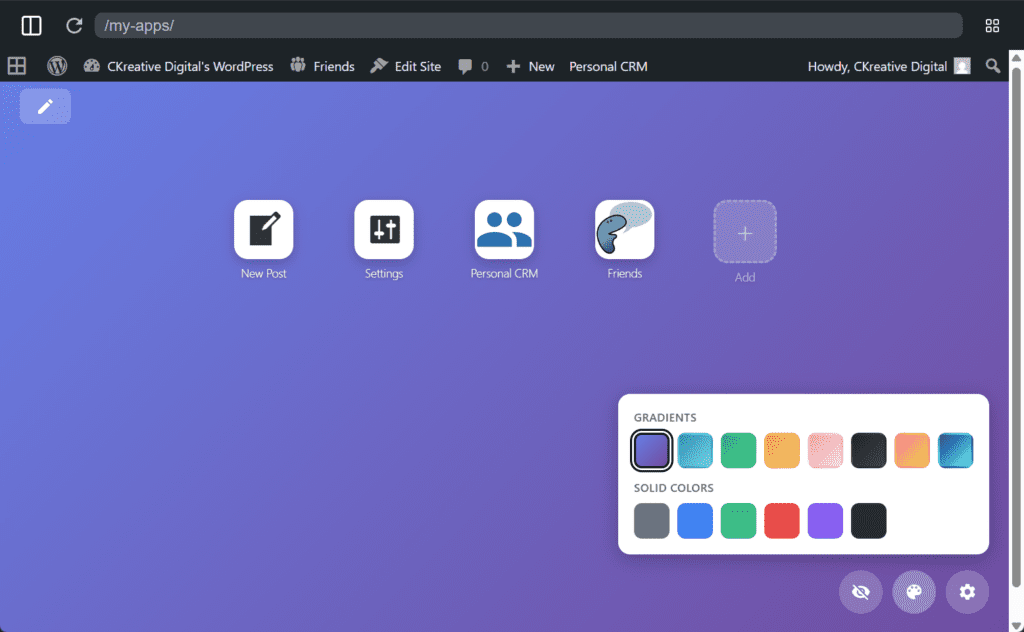
Unlike older demo environments that reset after each session, this workspace is persistent, meaning your work stays available when you return.
However, these sites are private by default, so they function more like a personal workspace rather than a public website.
Think of it as a digital workshop where you can experiment with website ideas safely.
Why This Is Helpful for Entrepreneurs
For many small business owners, the biggest challenge isn’t building a website. It’s just getting started.
The traditional process often looks like this:
- Choose a hosting provider
- Register a domain name
- Install WordPress
- Configure themes and plugins
- Start building pages
For someone new to websites, that process can feel overwhelming.
This new browser-based environment avoids several early technical steps and allows you to jump straight into the creative part: building and experimenting.
Practical Ways Small Businesses Can Use This
This new workspace opens the door to several useful possibilities.
1. Prototype Your Website Before Launching
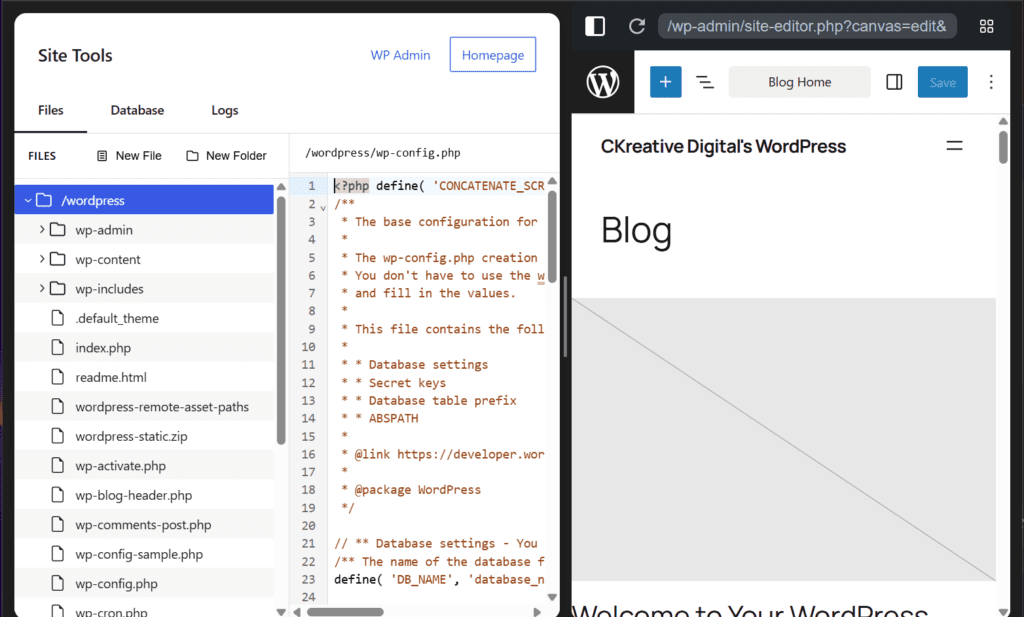
If you’re planning a new website, you could use this environment to:
- test different page layouts
- experiment with themes
- draft initial content
- organize your website structure
This can make the eventual launch process smoother and more efficient.
2. Draft Content Before Your Site Goes Live
Many businesses delay launching their website because they feel they need everything finished first.
Instead, you can use this workspace to:
- write blog posts
- prepare service pages
- draft landing pages
Then migrate that content to your real website later.
3. Learn WordPress Without Risk
If you’ve always wanted to learn WordPress but worried about breaking something, this is a perfect environment to experiment.
You can safely explore:
- themes
- plugins
- page builders
- design tools
Without affecting a live website.
When to Use This vs. Real Website Hosting
The browser-based environment is excellent for:
✔ learning WordPress
✔ testing ideas
✔ drafting content
✔ building prototypes
However, if you want your website to:
- appear in Google search results
- collect leads
- accept payments
- represent your business publicly
…you will still need a properly hosted website.
Think of this tool as the workshop where ideas are built, while your real website becomes the storefront customers visit.
The Bigger Shift Happening in WordPress
The most interesting part of this announcement is what it represents.
Traditionally, building a website required setting up infrastructure before you could start creating.
Now WordPress allows you to create first and launch later.
That small shift makes the platform far more accessible to entrepreneurs, creators, and small businesses who want to explore ideas online.
And sometimes removing that first barrier is exactly what turns an idea into a real business.
Try it yourself, right now, no matter what device you’re using.
Turning Website Ideas Into Real Businesses
Tools like this make experimenting with website ideas easier than ever.
But turning those ideas into a professional website that actually attracts customers requires more than just installing WordPress.
It involves:
- thoughtful design
- strong site architecture
- search engine optimization
- reliable hosting and performance
If you’ve been experimenting with a website idea and want help turning it into a professional site, feel free to reach out.
At CKreative Digital, we help small businesses and entrepreneurs build websites that look great, perform well, and grow their business.